
OBD2 Readiness Monitors Guide
Understand OBD-II readiness monitors and why ‘not ready’ fails an emissions test — with drive cycle guidance for each monitor.
Readiness Monitor Explainer
Select monitor → function + drive cycle
How It Works
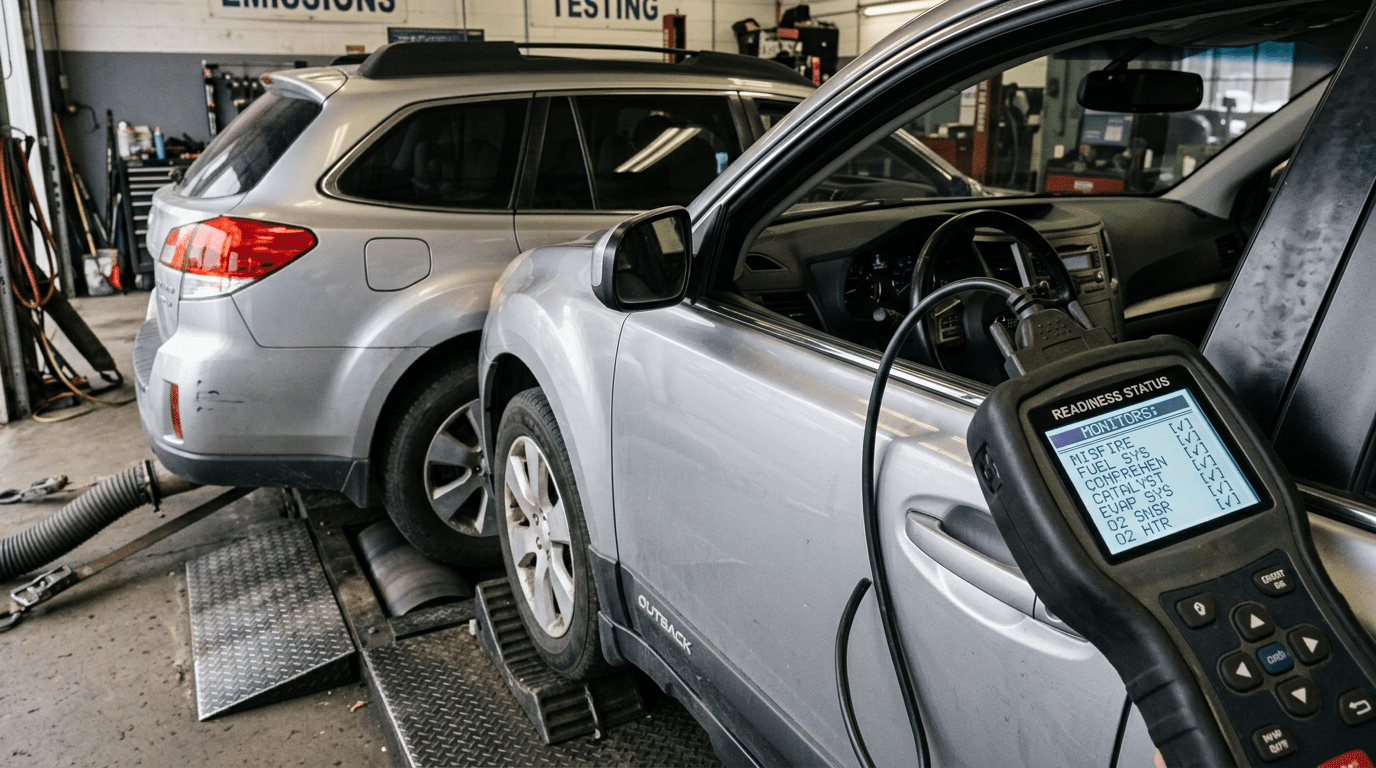
OBD-II vehicles run self-diagnostic tests (monitors) during driving. Each monitor must complete a drive cycle to show ‘ready’. If codes have been cleared or battery disconnected, monitors need to re-run before an emissions test.
How to Use This Calculator
- Select the monitor you want to understand from the dropdown.
- Click Explain — see what it tests, the drive cycle needed, and guidance on failures.
- If preparing for an emissions test, complete the listed drive cycle for each not-ready monitor.
- Check readiness status with an OBD-II scanner before going to the test station.
- Allow 2–4 complete drive cycles after resetting codes for all monitors to complete.
Worked Example
Reference Table
| Monitor | Continuous? | Typical Drive Cycle Time | Emissions Test Critical? |
|---|---|---|---|
| Misfire | Yes | Always running | Yes |
| Fuel System | Yes | Always running | Yes |
| EVAP | No | Cold start + 20–30 min drive | Yes |
| Catalyst | No | Highway cruise 10+ min | Yes |
| O2 Sensor | No | Mixed city/highway | Yes |
| EGR | No | Warm cruise + decel | Yes (diesel esp.) |
| O2 Heater | No | Cold start, 2 min | Yes |
Frequently Asked Questions
How many monitors can be ‘not ready’ and still pass an emissions test?
Most jurisdictions allow 1–2 non-continuous monitors to be incomplete on 1996–2000 vehicles and 0–1 on 2001+ vehicles. Check your local emissions testing rules — some states are stricter.
Why do all monitors reset when I disconnect the battery?
The ECU uses volatile memory to store monitor status. Disconnecting power clears all stored data including monitor completion flags, fuel trim adaptations, and some fault codes. You must complete the drive cycles again.
Can I use a scan tool to verify readiness before going to an emissions test?
Yes — any OBD-II scanner that supports Mode 6 or readiness status will show all monitors as Ready, Not Ready, or N/A. The traffic light display on cheap scanners shows a green/red per monitor.
What is an OBD-II drive cycle?
A specific sequence of driving conditions (cold start, warm-up, idle, steady cruise, decel) designed to complete all readiness monitors in one trip. Different brands have slightly different cycles, but most can be completed in a 30–45 minute mixed-conditions drive.
